The Profile Photo Playbook: How to Crop a Portrait People Actually Recognize
Your profile photo is one of your smallest brand assets — and one of the most seen. Here's how to centre, crop and size it so it holds up everywhere, from a LinkedIn feed to a Gmail thumbnail.
Your profile photo is one of the smallest brand assets you own, a few dozen pixels, usually cropped into a circle. It's also one of the most frequently seen. It sits next to every comment you leave, every message you send, every search result with your name on it. Long after a post has scrolled out of view, that small circle is still doing its job.
Most people choose a profile photo once and never think about the crop again. A few adjustments — the kind a designer makes without noticing — are the difference between a photo that reads clearly at any size and one that gets lost. Here's the short version.
Centre the face horizontally
Start with the basics: centre the face left-to-right in the frame. Then place the eyes slightly above the vertical middle, not dead centre. A face centred too low in the frame reads as off-balance, especially once it's cropped into a circle.
Get the proportions right
There's no single correct crop, but this is a reliable starting point:
- Eye line: 40–45% from the top of the frame
- Head and shoulders: 65–75% of the frame
- Space above the hair: 8–12%
That small margin above the hair matters more than it seems — without it, a photo feels cramped, like the frame is cutting the person off.
Design for the circle
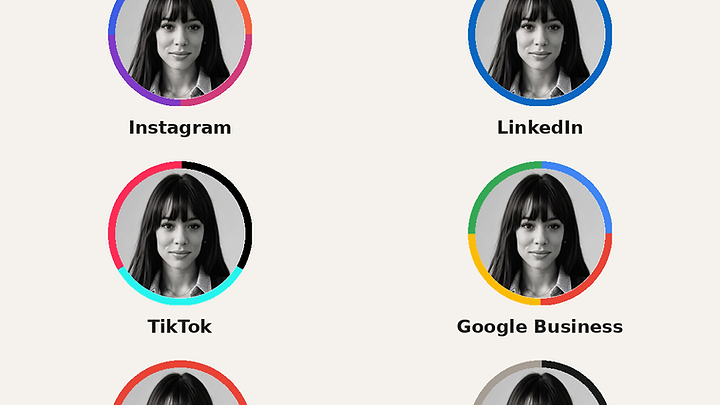
Almost every platform asks you to upload a square image, then displays it as a circle: Instagram, LinkedIn, TikTok, Google Business, Gmail, and most of the rest. Whatever sits in the corners of your square gets clipped. Keep your face, hair, and anything essential inside that circular safe area, and check the result on more than one platform before you commit to a crop.
Test it at thumbnail size
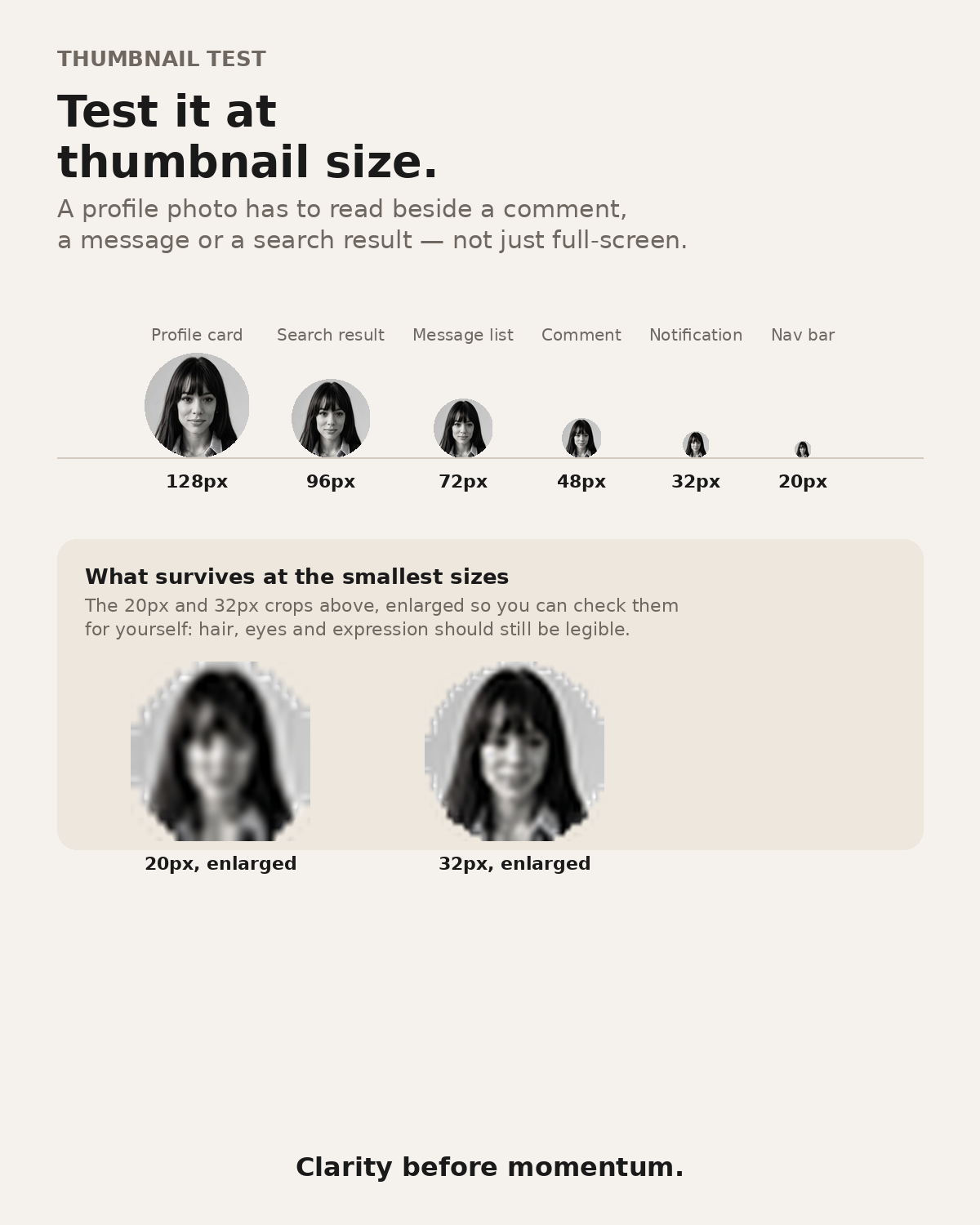
A profile photo rarely gets seen full-screen. It shows up beside a comment, a message, or a search result — often smaller than 32 pixels across. Before you finalize a photo, shrink it down and look at it the way everyone else will: small, next to text, in a hurry. If your face is still recognizable at that size, the crop is doing its job.
Use the same crop everywhere
Once you've found a portrait and a crop that works, use it consistently across every platform. Recognition is built through repetition — a different photo on every account resets that recognition each time. Consistency is what makes a small, unglamorous asset start doing real work for your brand.
Download the Profile Photo Playbook (PDF carousel)
<br/>Clarity before momentum.